Please refer to the Importing section to import charts and skins first.
2
Song Selection
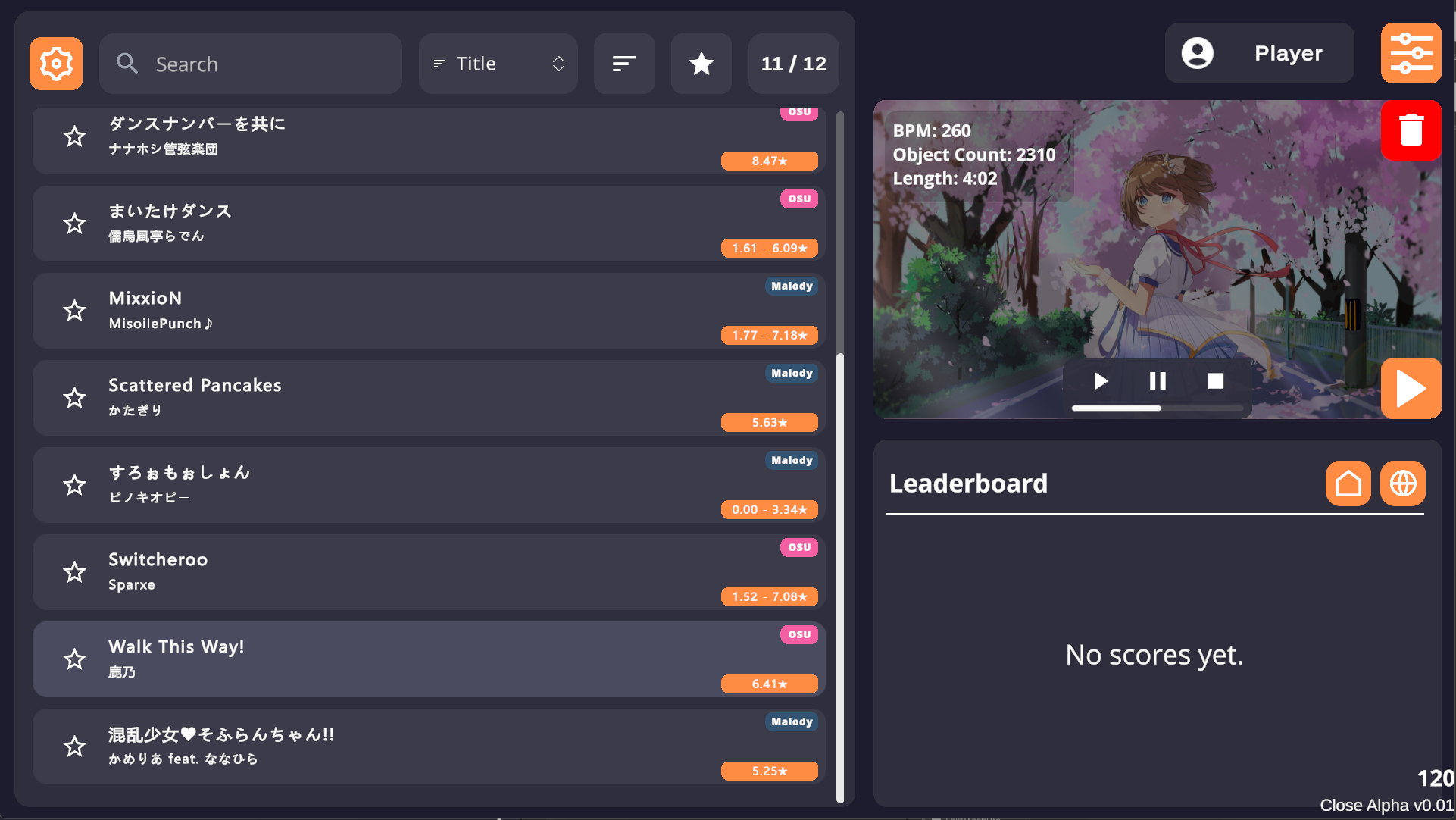
Tap the screen to enter the song selection menu.The left side shows basic info like Title, Difficulty Range, Source, etc. Tap any song button to select a chart. Currently, the difficulty star rating calculation references osu! Catch the Beat mode. A new algorithm optimized for mobile is under development.
3
Search & Favorites
Tap the star icon before the song button to Add to Favorites. The top header provides basic Search and Sort functions.
Song Selection Menu
4
Mod Settings
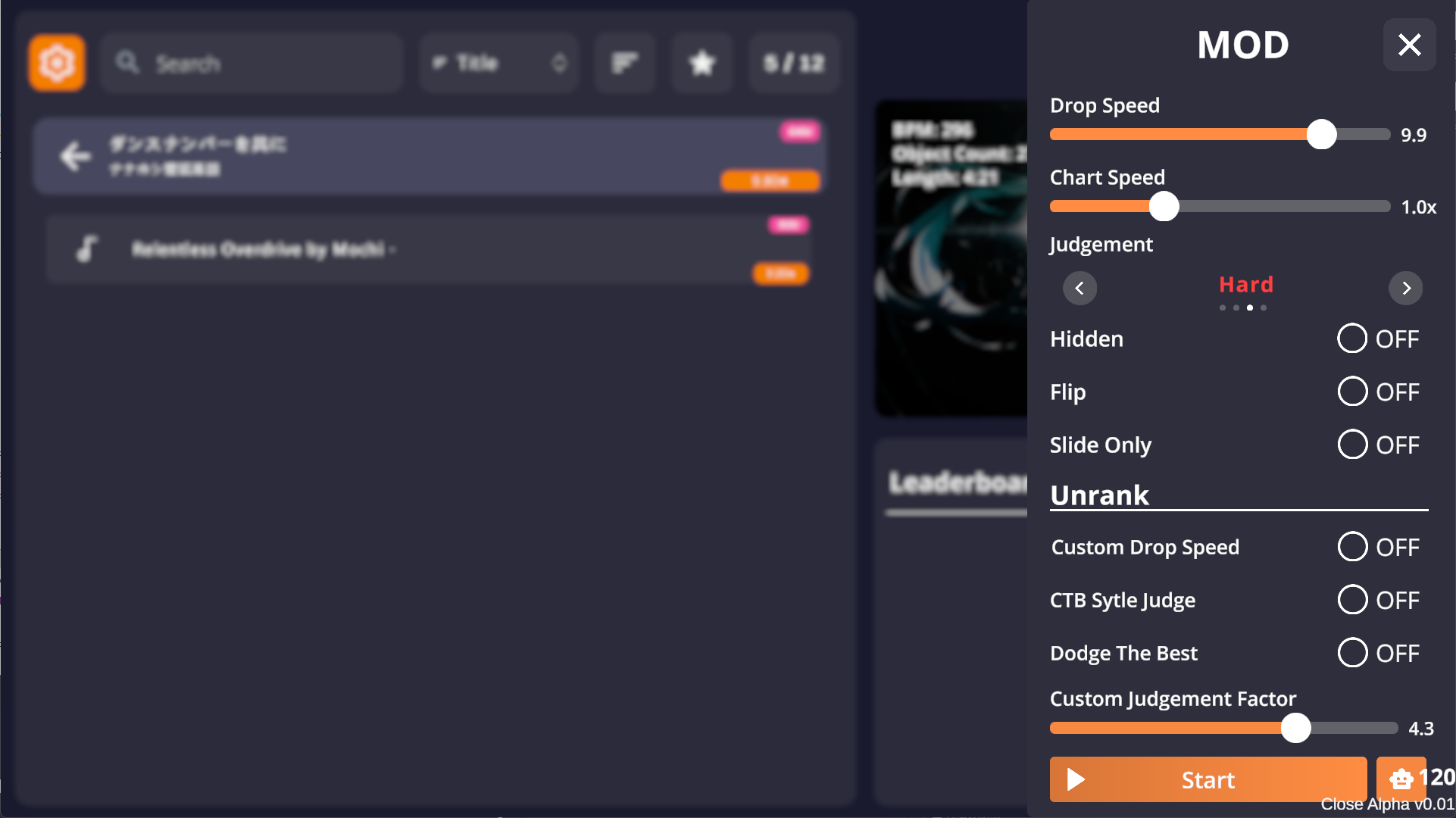
After selecting a chart, tap the orange Start button on the right to open the Mod settings menu, where you can customize various settings.
5
Start Game
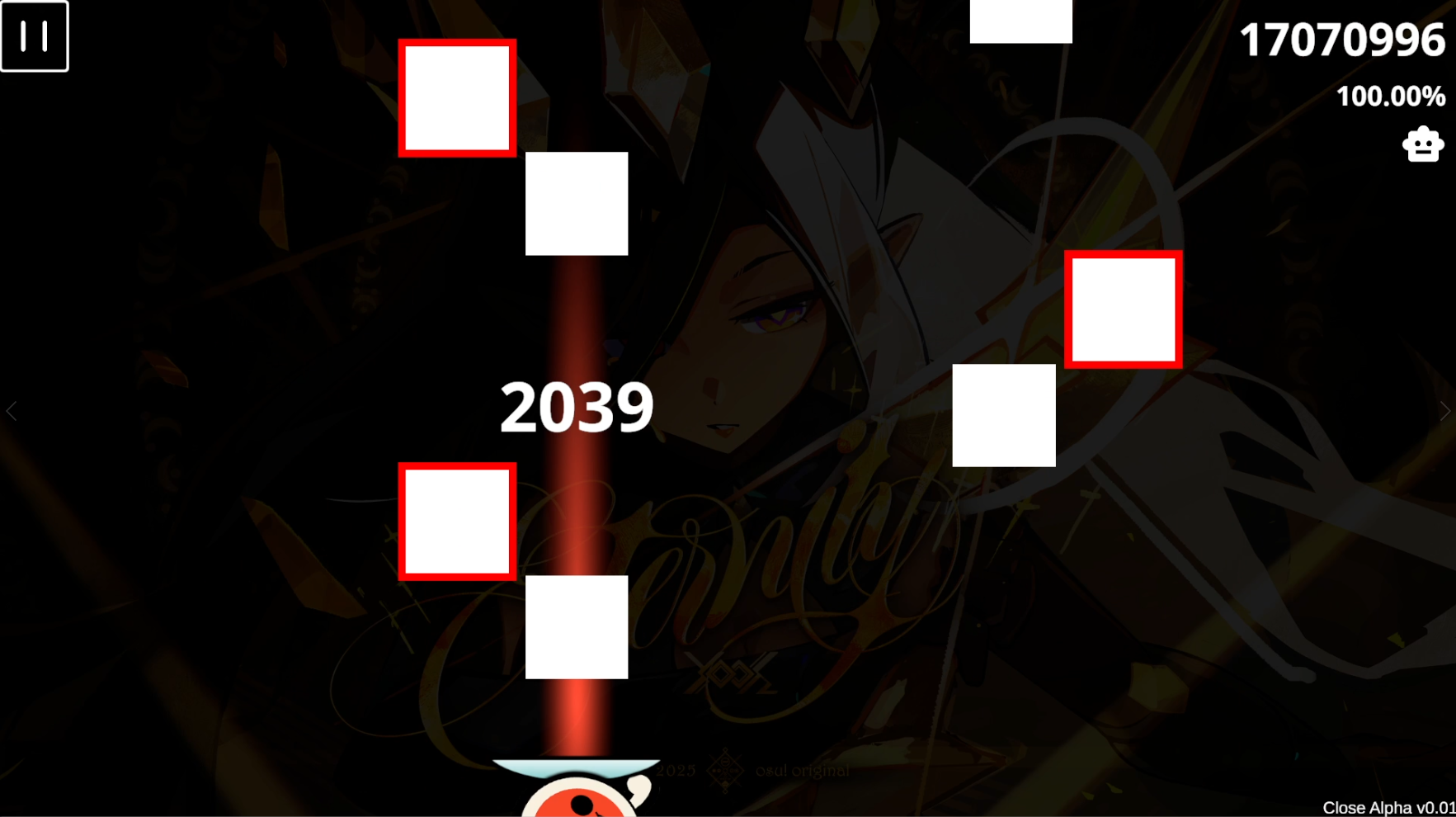
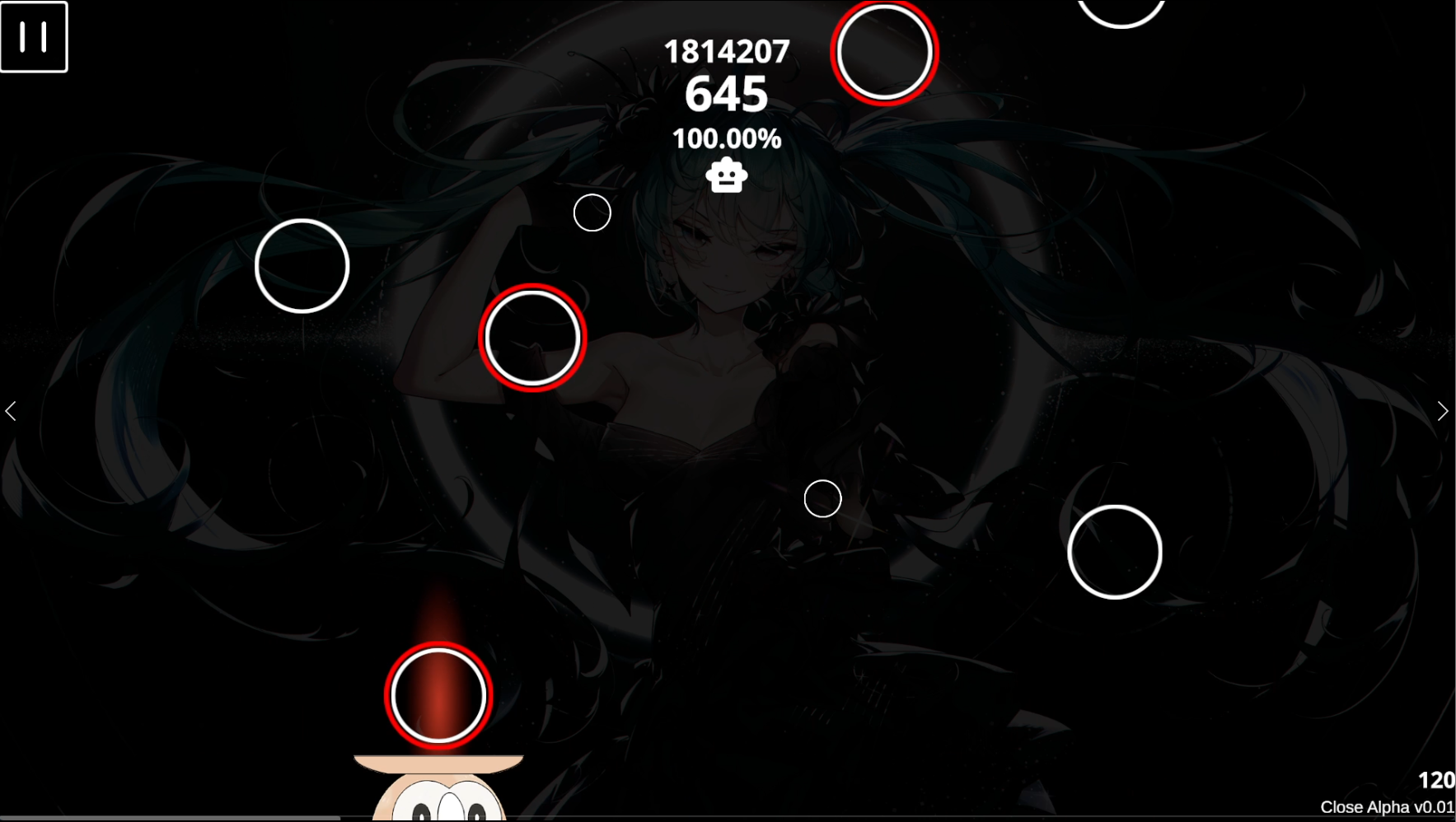
After adjusting settings, tap the Start Button at the bottom of the Mod panel to start. Tap the Robot Button for AUTO demonstration.
Mod Settings & Start
6
System Settings
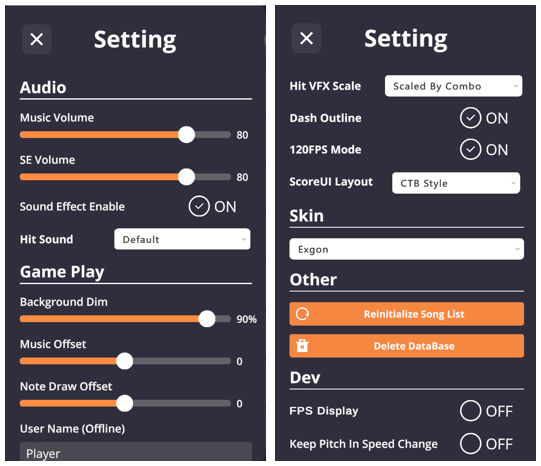
Tap the Gear Icon next to the search box in the song selection menu to open the system settings sidebar.