> ## Documentation Index
> Fetch the complete documentation index at: https://cachi-docs.arisucloud.com/llms.txt
> Use this file to discover all available pages before exploring further.
# Settings
> Detailed Settings Guide
Tap the gear icon in the song selection menu to enter settings.
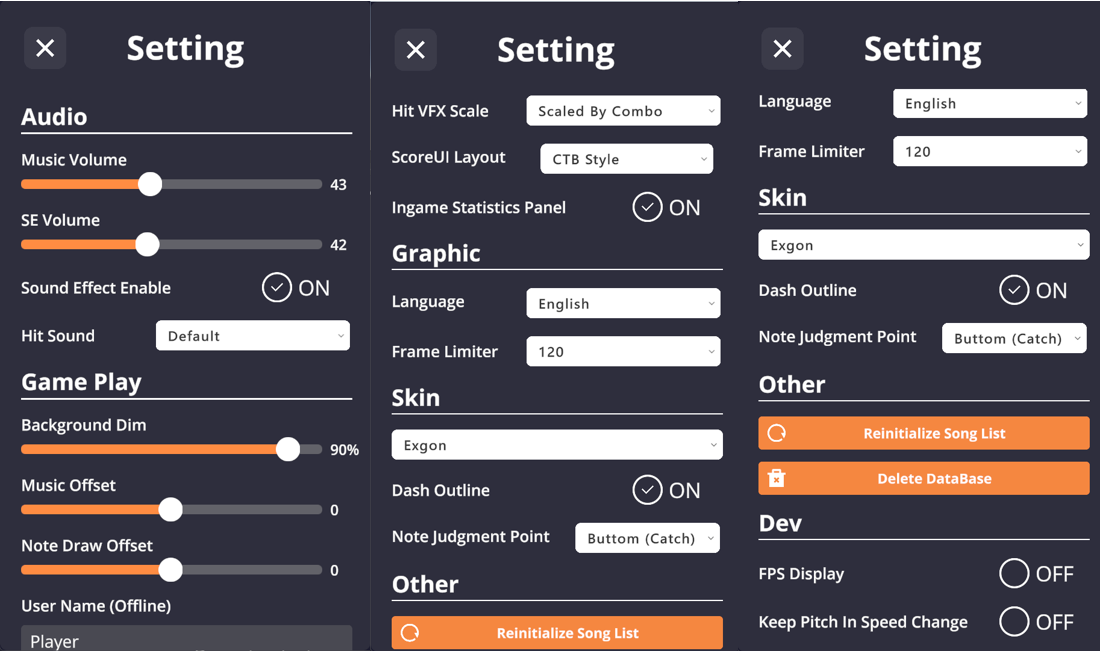 ## Audio
* Adjust **Music/SFX Volume**.
* **SFX Toggle**.
* **Custom Hit Sounds**: Place audio files in `/SE` folder.
## Game Play
* **Background Dim**.
* **Audio/Visual Offset**.
* **Offline ID**: Display name when offline.
* **Hit Lighting Size**: Adjust the size of the lighting effect when catching notes. Options: Small, Medium, Large, or Combo-based (gradually increases with combo, similar to CTB).
* **In-game Stats Panel**.
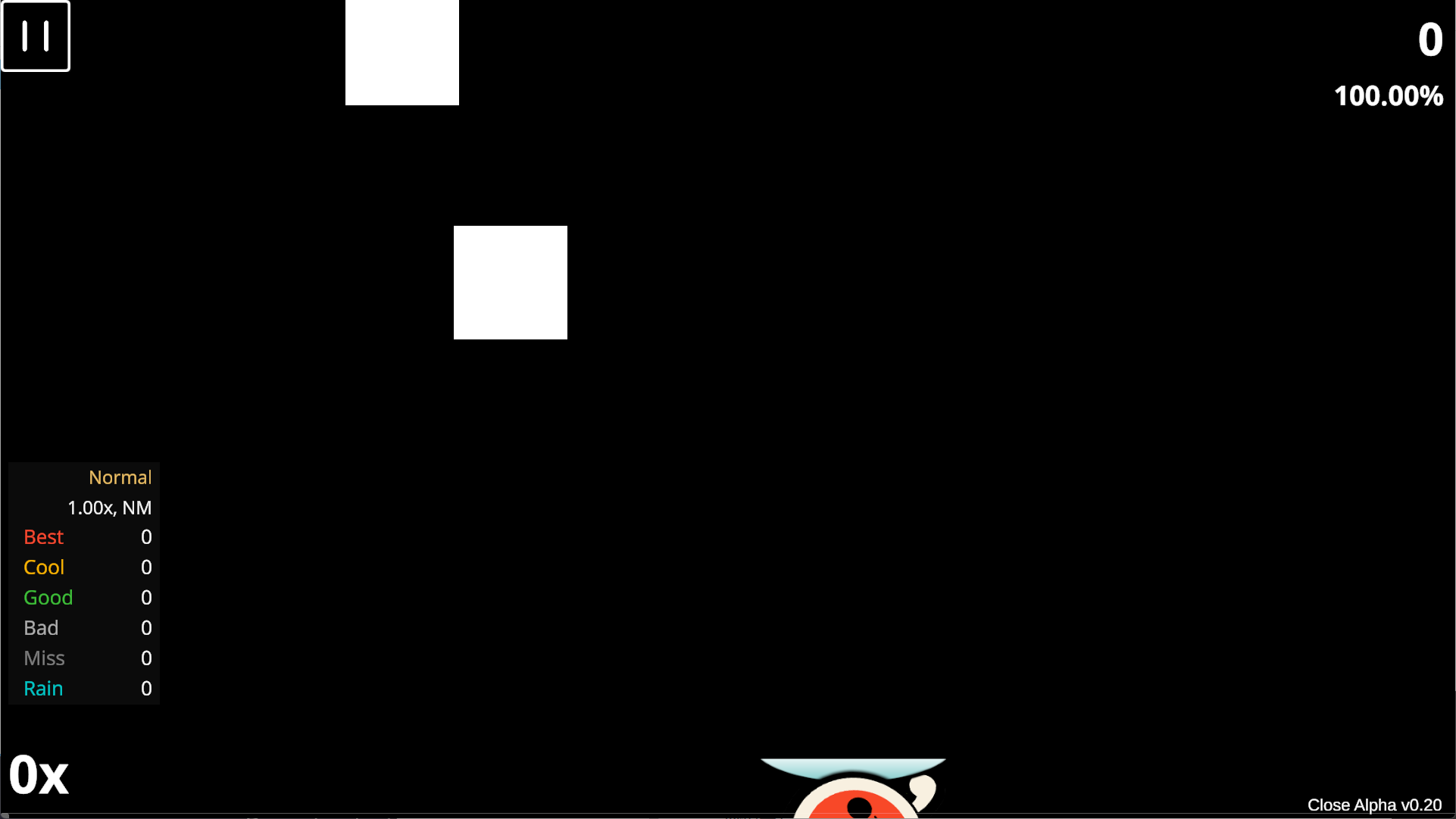
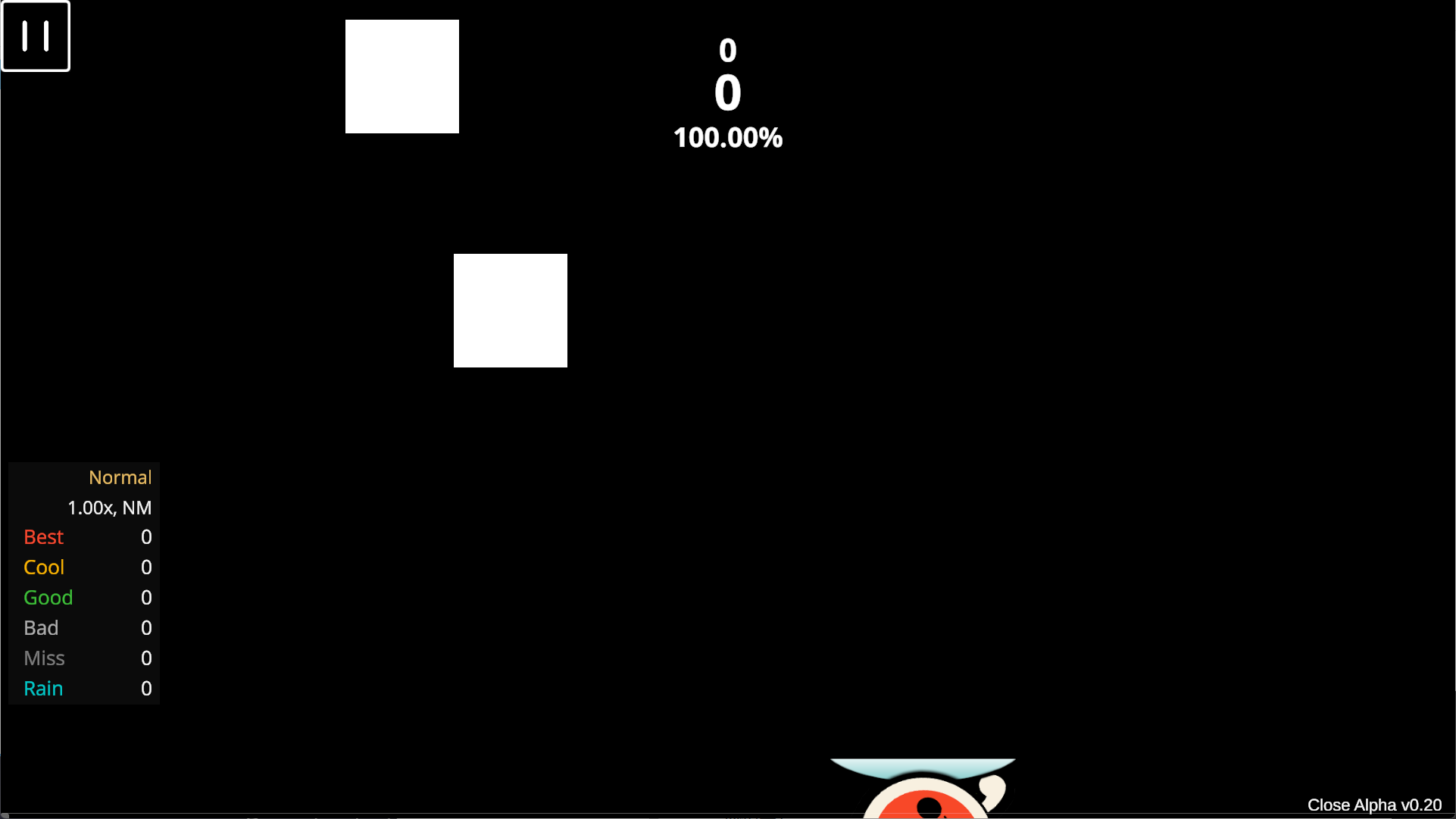
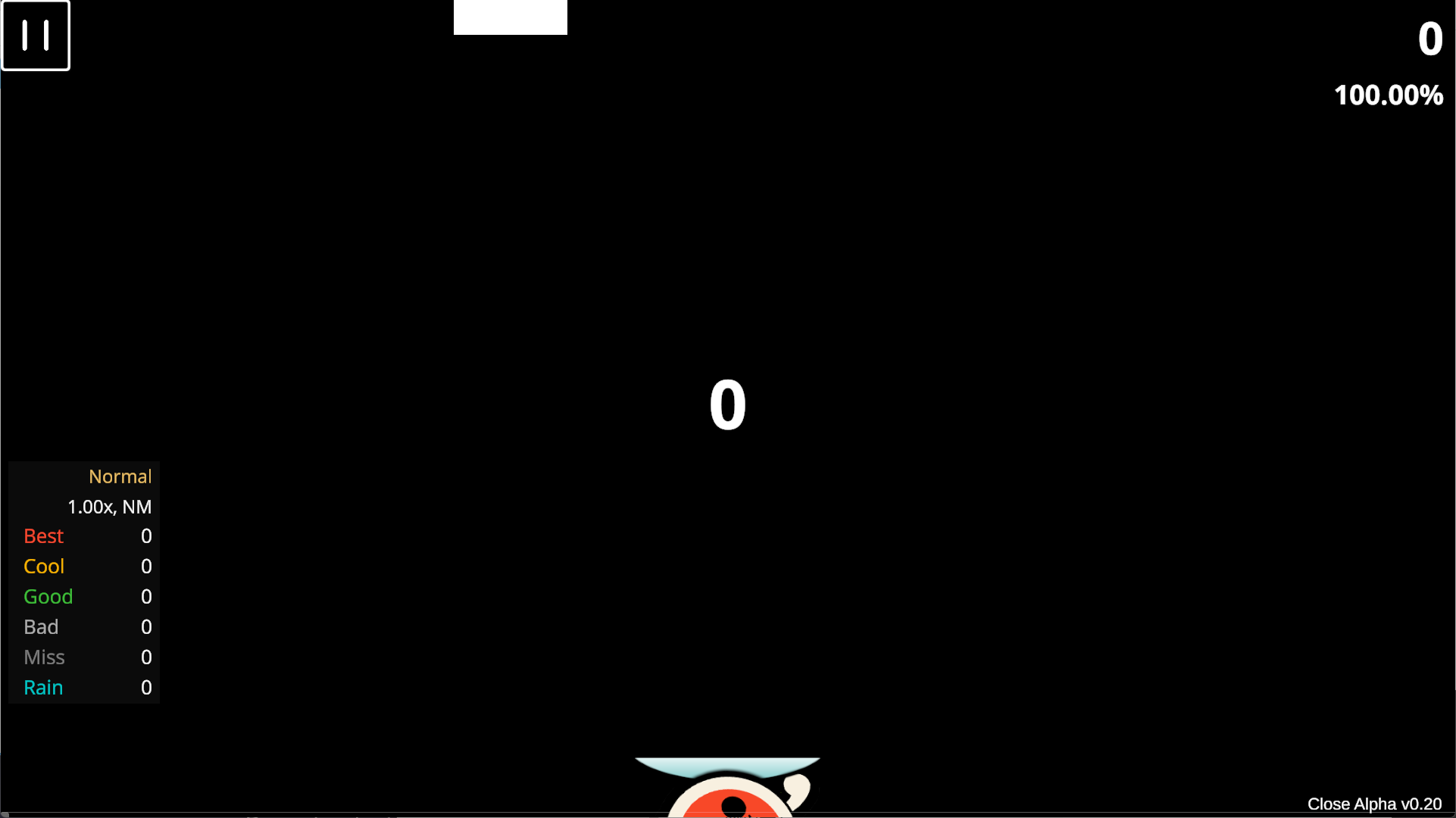
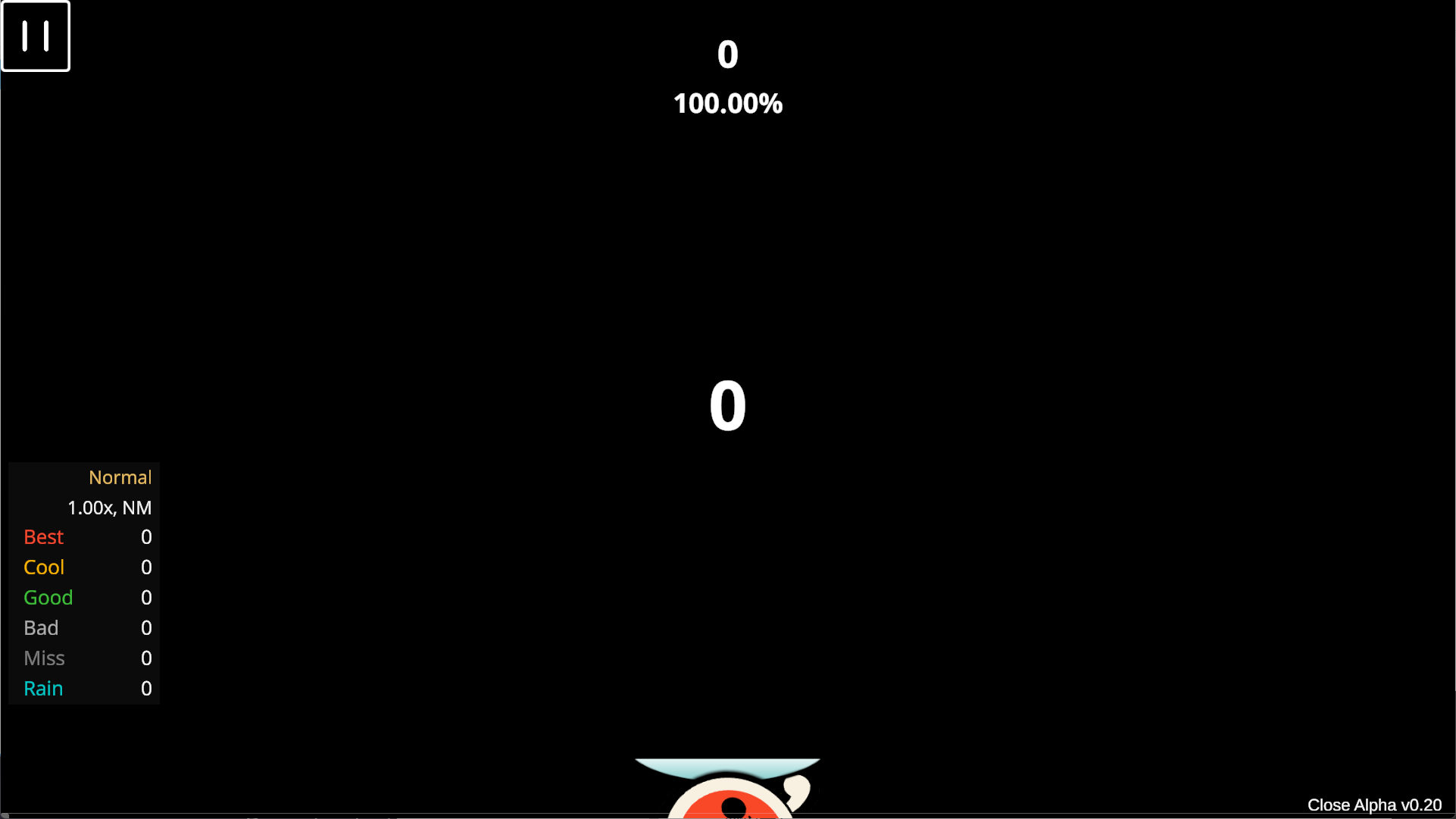
* **Score UI Layout**:
## Audio
* Adjust **Music/SFX Volume**.
* **SFX Toggle**.
* **Custom Hit Sounds**: Place audio files in `/SE` folder.
## Game Play
* **Background Dim**.
* **Audio/Visual Offset**.
* **Offline ID**: Display name when offline.
* **Hit Lighting Size**: Adjust the size of the lighting effect when catching notes. Options: Small, Medium, Large, or Combo-based (gradually increases with combo, similar to CTB).
* **In-game Stats Panel**.
* **Score UI Layout**:
 ## Graphic
* **Language**.
* **Max Frame Rate**.
## Skin
* **Select Skin**: Import skins manually (button textures only).
* **(v0.22 New) Note Visual Size**: Adjusts the visual size of the note. Does not affect the actual judgment area; only supports scaling down.
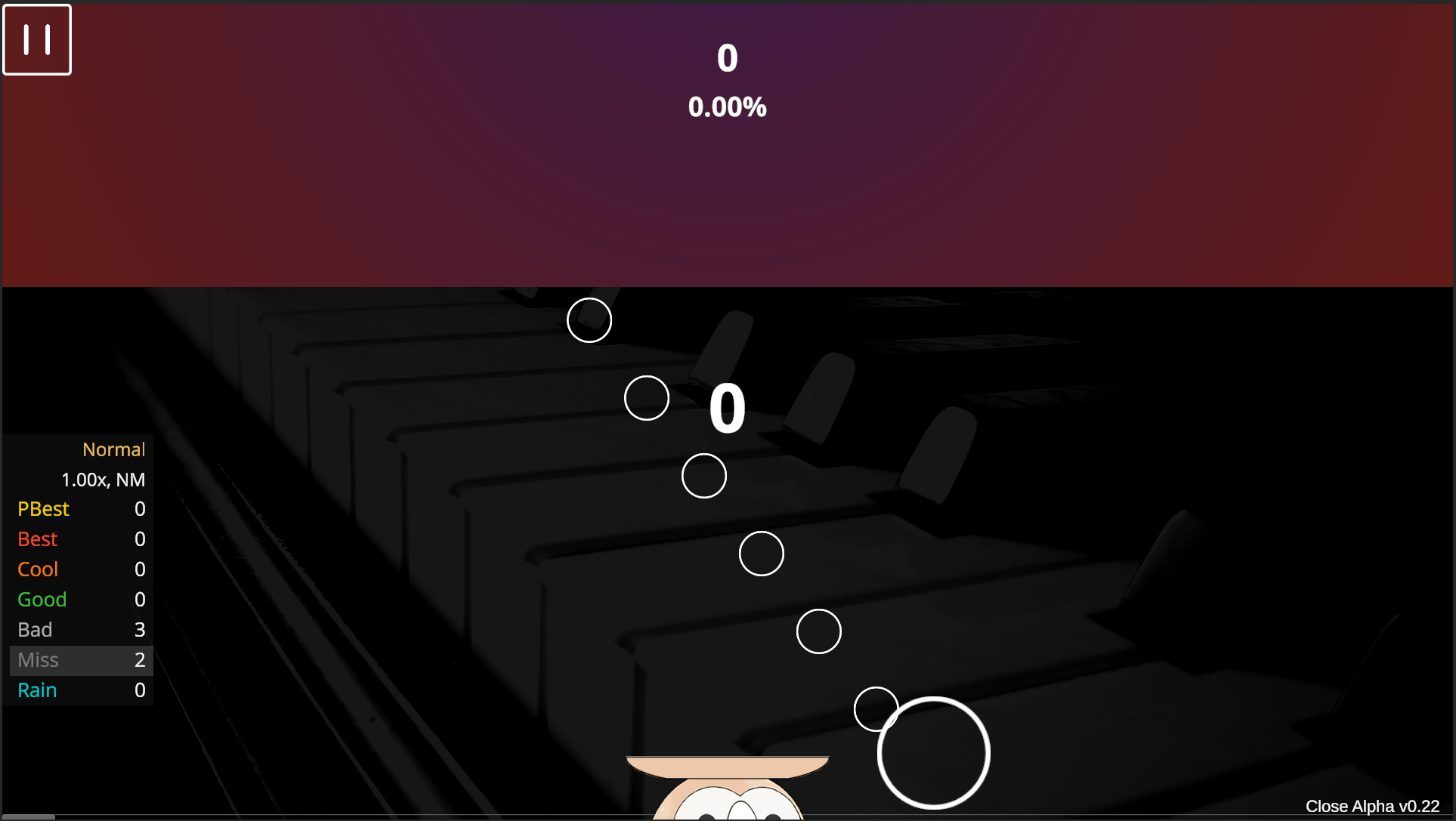
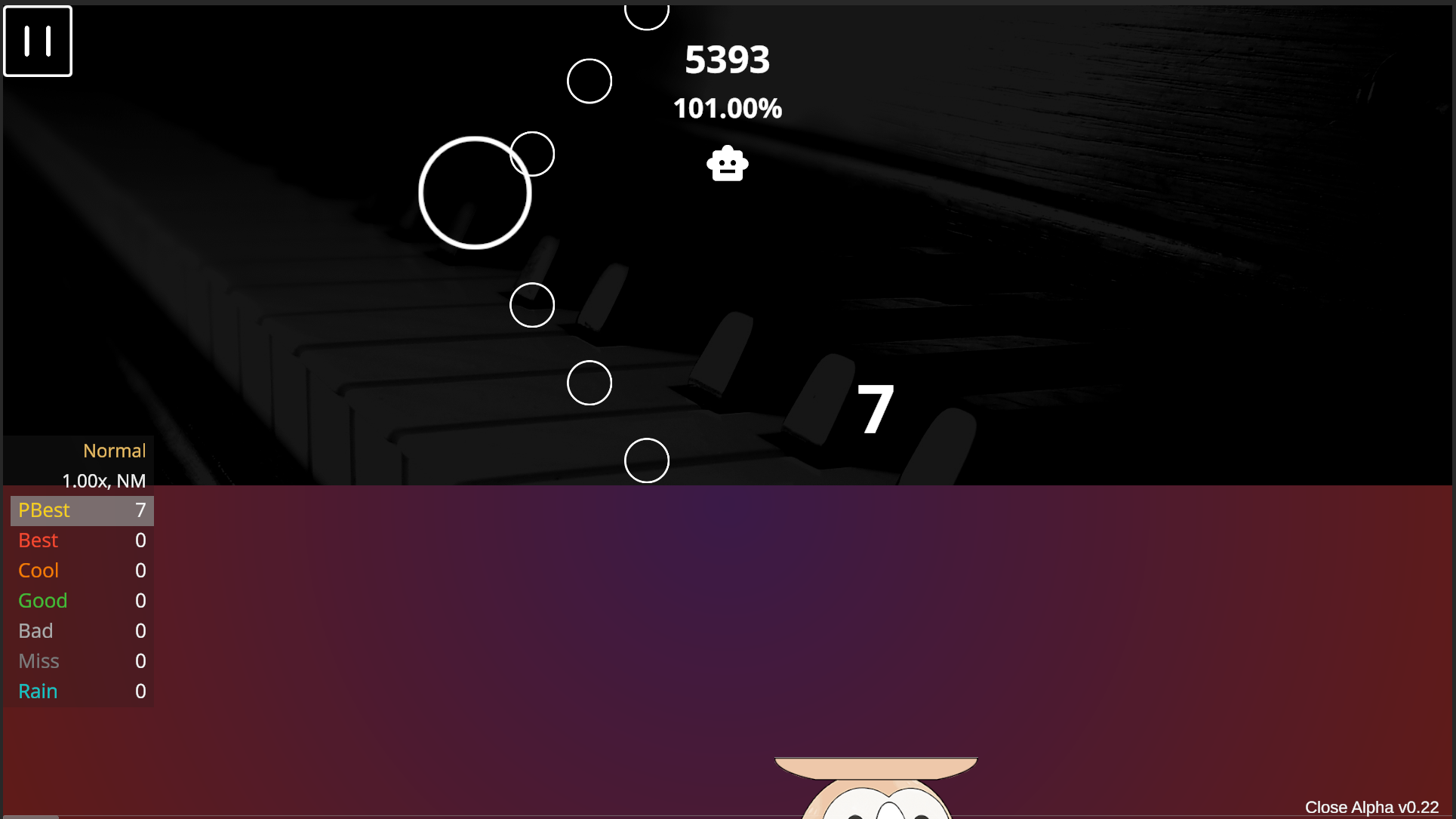
* **(v0.22 New) Sudden Toggle & Position**: Enables and adjusts the upper baffle. Import baffle textures as described in the Import section, then select from the dropdown menu.
The texture will scale to screen width; if the height is insufficient, the top may not be fully covered. This feature can also be used to create a bottom or middle baffle.
## Graphic
* **Language**.
* **Max Frame Rate**.
## Skin
* **Select Skin**: Import skins manually (button textures only).
* **(v0.22 New) Note Visual Size**: Adjusts the visual size of the note. Does not affect the actual judgment area; only supports scaling down.
* **(v0.22 New) Sudden Toggle & Position**: Enables and adjusts the upper baffle. Import baffle textures as described in the Import section, then select from the dropdown menu.
The texture will scale to screen width; if the height is insufficient, the top may not be fully covered. This feature can also be used to create a bottom or middle baffle.
 * **Red Fruit Indicator**: Toggle the red fruit hint on/off.
* **Note Hit Position**: Adjust the actual judgment point of the note. Default is the bottom-center of the note; can be adjusted to the center (CTB-style).
## Other
* **Refresh Song List**: Recalculates all star ratings.
* **Delete Database**: Clears song cache and scores; game will close automatically.
## Dev
* **FPS Counter**.
* **Pitch Shift on Speed Change**: Turning this off may **significantly degrade** audio quality when speeding up charts.
* **Export Log**: Exports game logs in .txt format. Default location: `/log` folder in the root directory.
* **Red Fruit Indicator**: Toggle the red fruit hint on/off.
* **Note Hit Position**: Adjust the actual judgment point of the note. Default is the bottom-center of the note; can be adjusted to the center (CTB-style).
## Other
* **Refresh Song List**: Recalculates all star ratings.
* **Delete Database**: Clears song cache and scores; game will close automatically.
## Dev
* **FPS Counter**.
* **Pitch Shift on Speed Change**: Turning this off may **significantly degrade** audio quality when speeding up charts.
* **Export Log**: Exports game logs in .txt format. Default location: `/log` folder in the root directory.