> ## Documentation Index
> Fetch the complete documentation index at: https://cachi-docs.arisucloud.com/llms.txt
> Use this file to discover all available pages before exploring further.
# Replay System
> Recording and Watching Replays
Due to technical reasons, replays may have slight score discrepancies compared to the actual play.
## Replay Controls
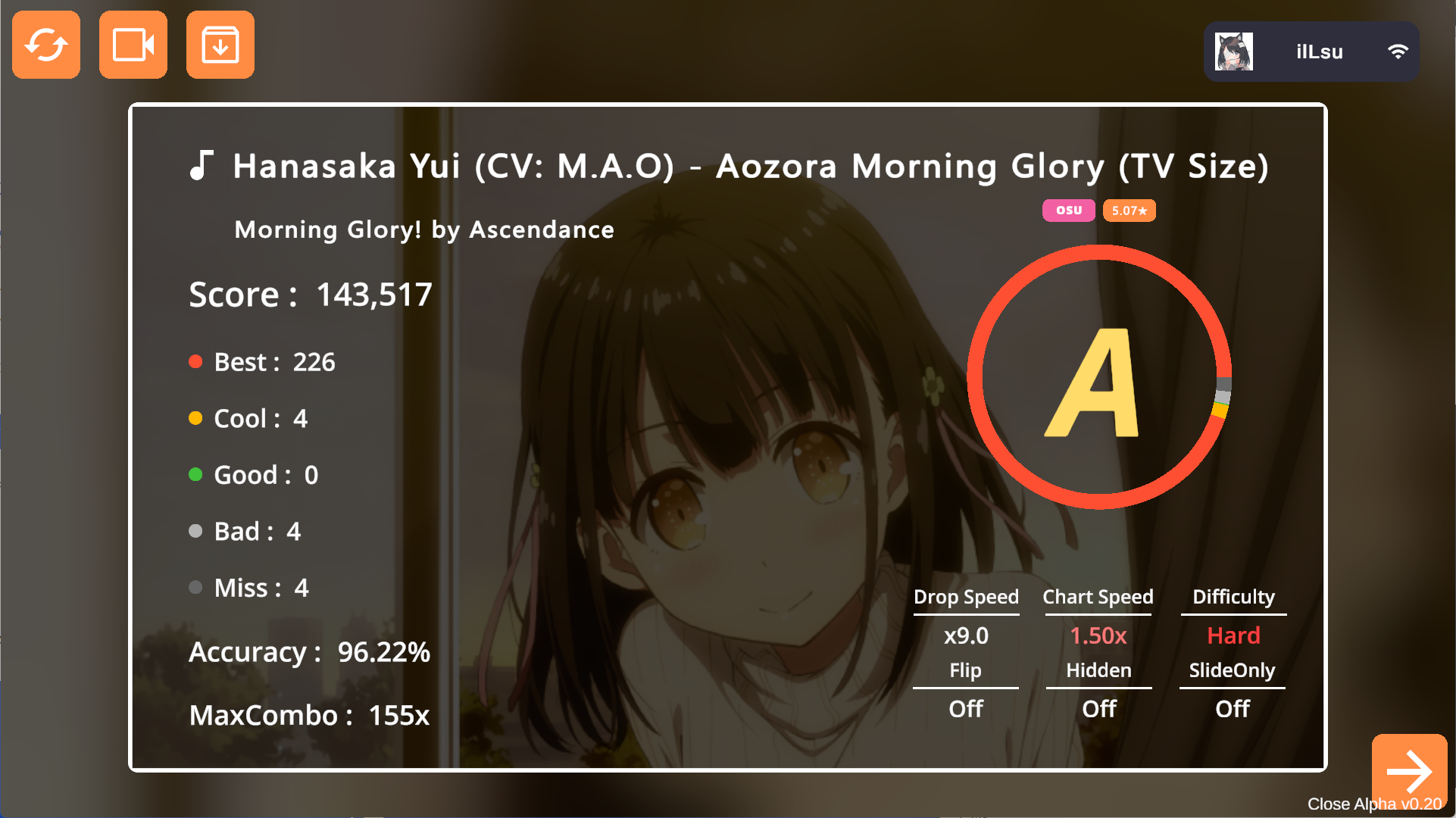
After a game, the result screen offers replay options:
* **Play**: Tap the second button in the top left.
* **Export**: Tap the third button. Replays are saved as `.crp` files in the `/Replay` folder.
 ## Importing Replays
Open `.crp` files using Cachi, similar to importing skins or charts.
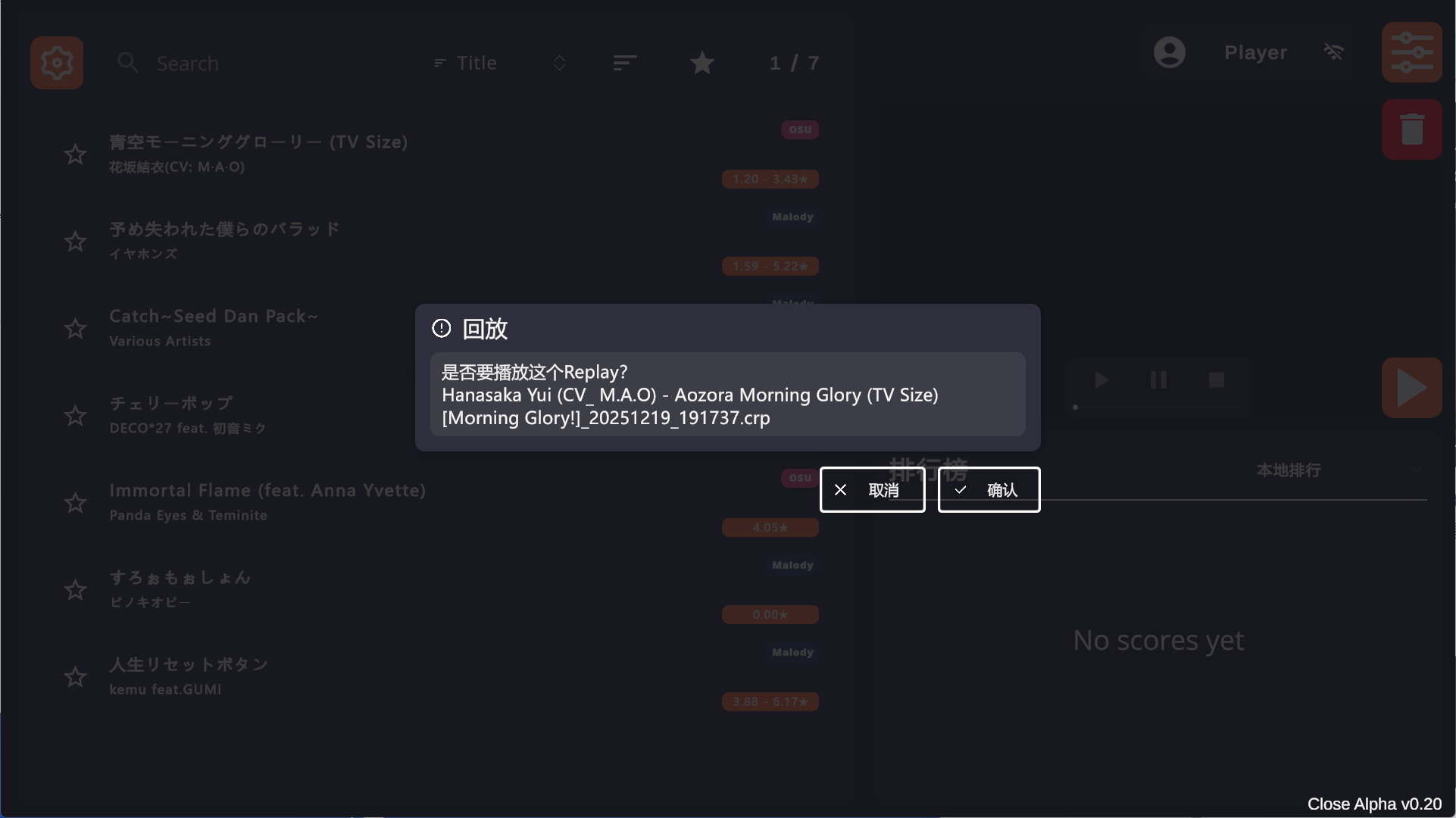
If you are in the song selection menu, a prompt will appear asking if you want to play the replay. Confirm to start (requires the corresponding chart).
## Importing Replays
Open `.crp` files using Cachi, similar to importing skins or charts.
If you are in the song selection menu, a prompt will appear asking if you want to play the replay. Confirm to start (requires the corresponding chart).