> ## Documentation Index
> Fetch the complete documentation index at: https://cachi-docs.arisucloud.com/llms.txt
> Use this file to discover all available pages before exploring further.
# Online System
> Registration, Login, and Leaderboards
## Registration & Login
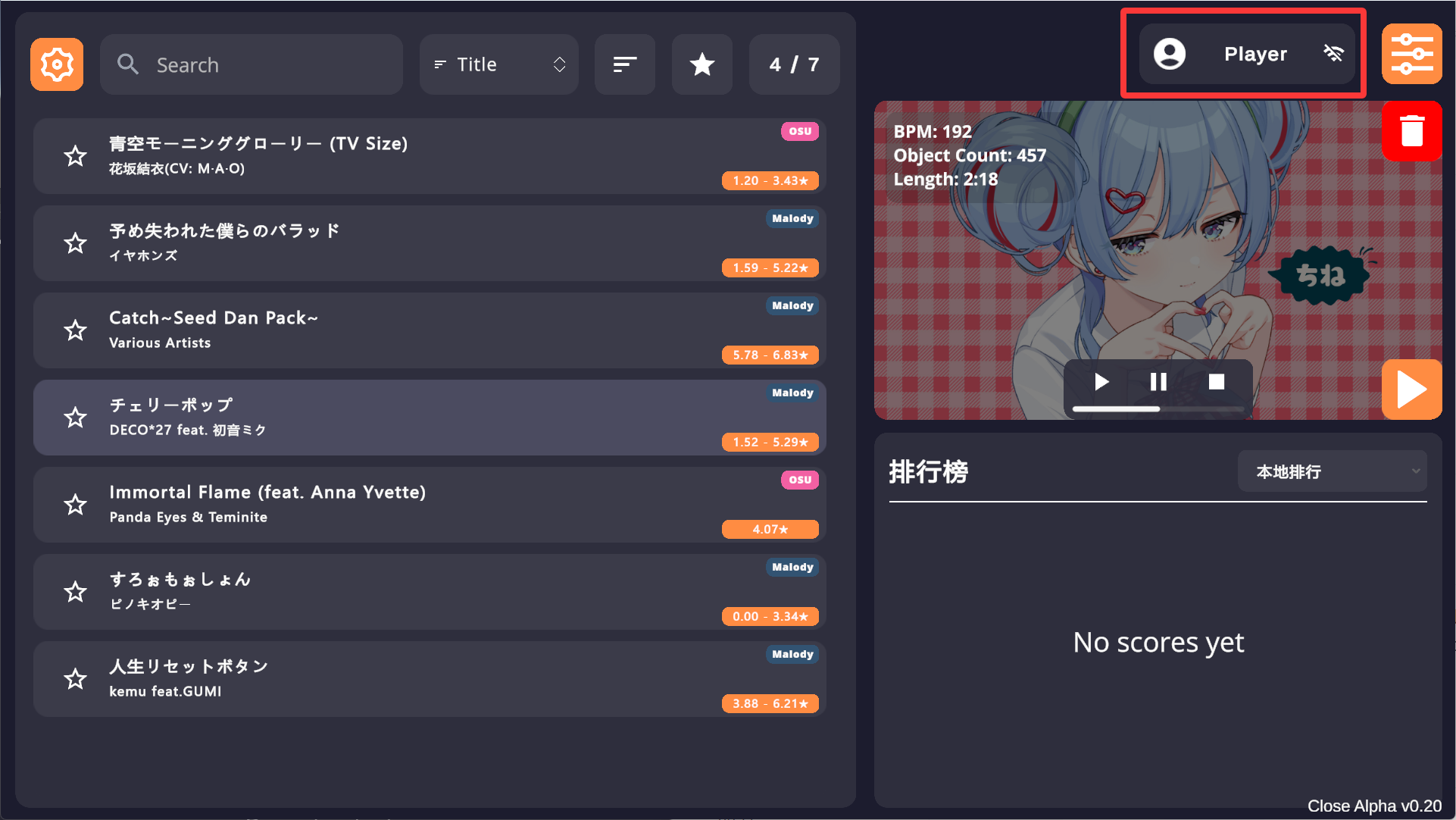
1. Tap the button next to the Mod button in the song selection menu to open the login/register page.
 2. Login with username or email. If you don't have an account, tap **Register** at the bottom.
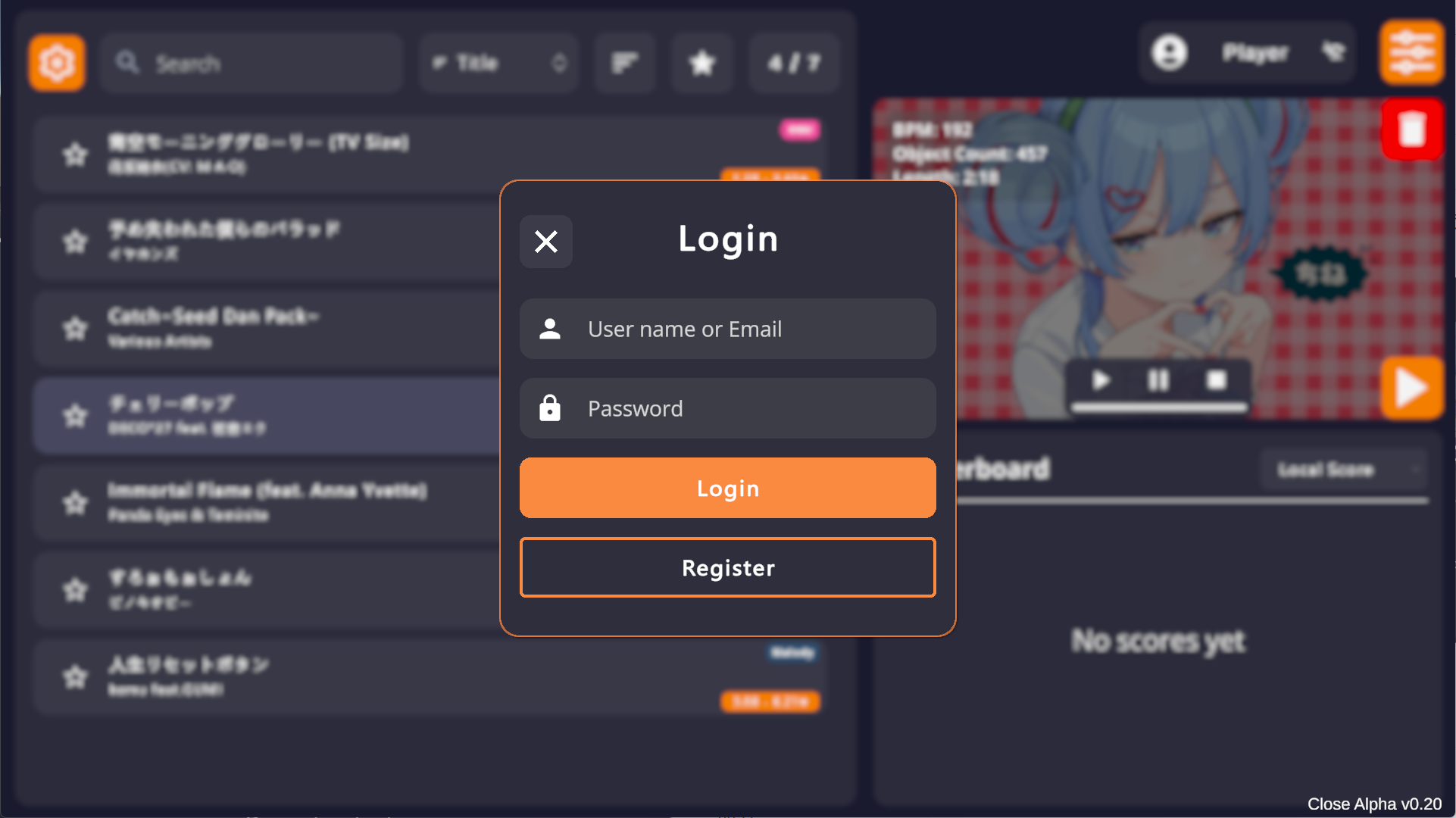 3. Registration requires a valid email for verification.
* **Username**: 3-10 characters, allowing letters, numbers, and `[] - _`.
* **Password**: 8-16 characters.
3. Registration requires a valid email for verification.
* **Username**: 3-10 characters, allowing letters, numbers, and `[] - _`.
* **Password**: 8-16 characters.
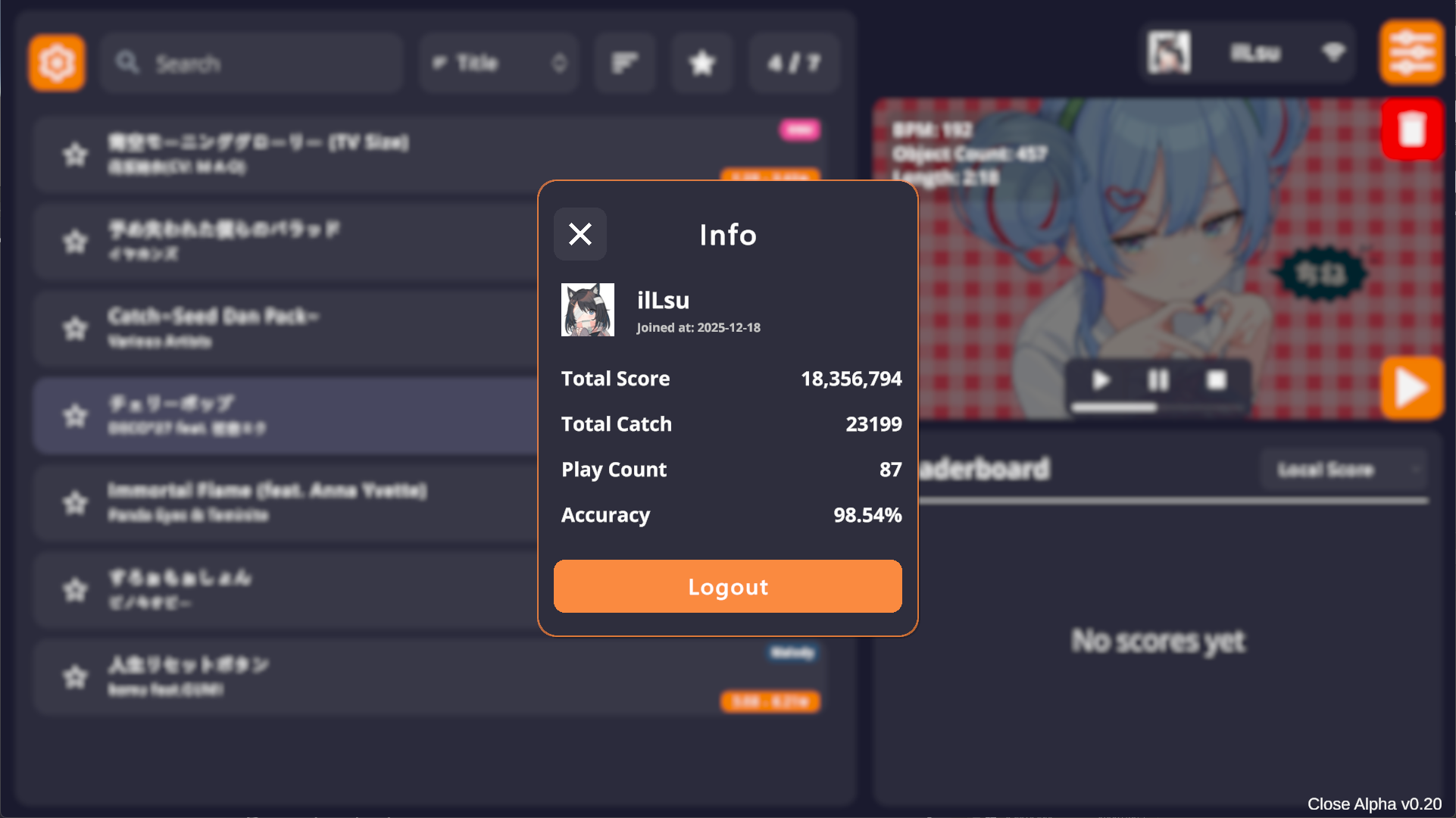
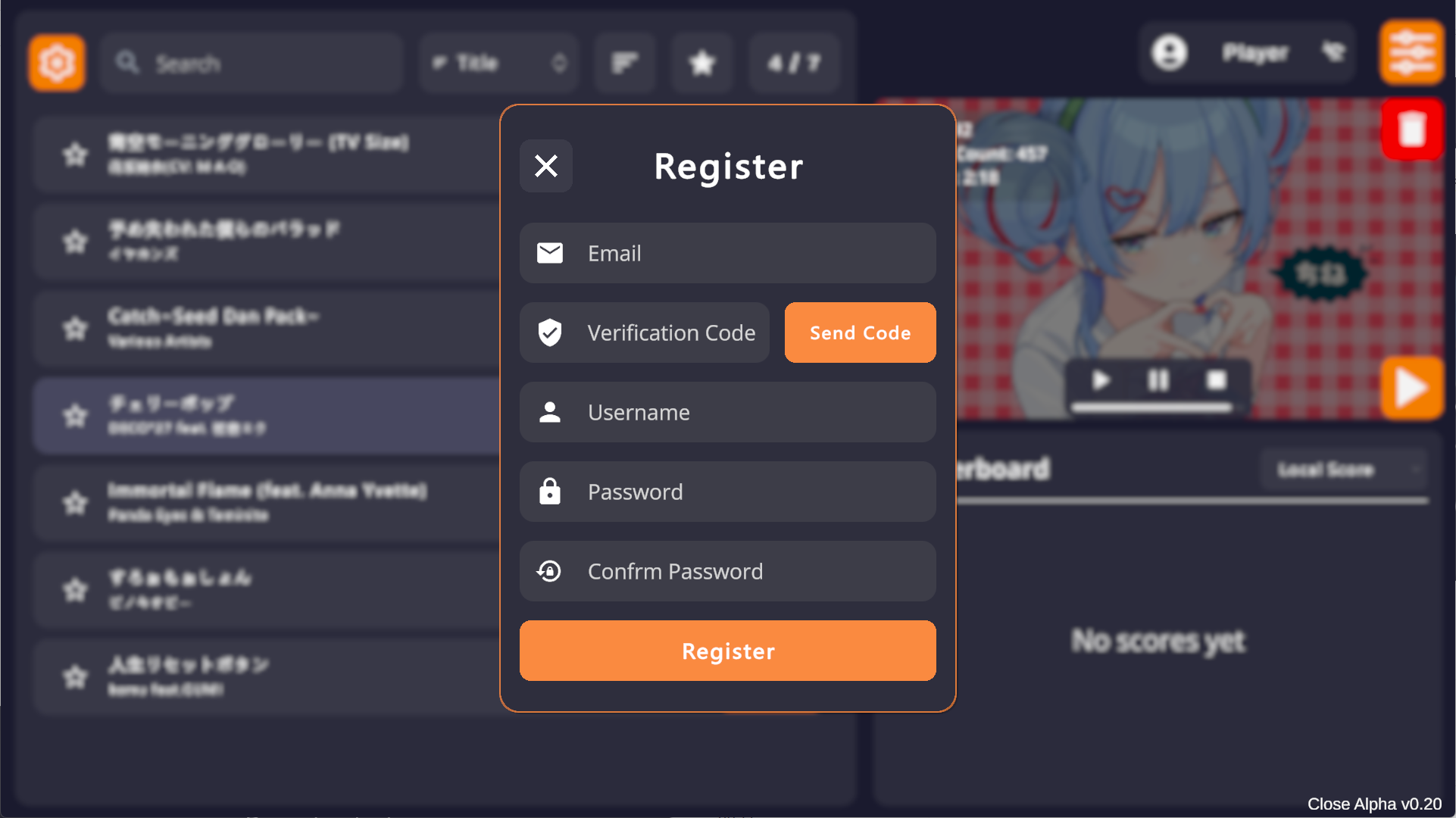 4. Once logged in, the game will auto-login subsequently unless IP or device changes. Tap the top-right corner to view stats or logout.
 ## Avatar
The game uses [Cravatar](https://cravatar.com/) for avatars, matching your registration email.
It falls back in the order: `Cravatar -> Gravatar -> QQ`.
To change your avatar, register on [Cravatar](https://cravatar.com/) or [Gravatar](https://gravatar.com/) with the same email used for Cachi.
## Score Submission
After logging in, scores for **all charts** available on OSU! (CTB) or Malody (Catch) official sites can be submitted.
* Both Rank and Unrank charts are supported.
* Scores can be submitted with **any Mod enabled**.
* Charts not found on official sites (e.g., deleted or unuploaded) will be rejected.
* For Unranked charts, please ensure you are using the latest version. If the mapper updates the chart, score submission for older versions may fail.
## Leaderboards
There are 4 types of leaderboards:
1. **Local**: Your local high scores.
2. **Rank**: Leaderboard for scores with only Rank Mods enabled (e.g., Speed, Flip).
3. **Unrank**: Leaderboard for scores with Unrank Mods enabled (e.g., DTB, Relax).
4. **Any**: Mixed leaderboard showing the highest score from either category.
## Avatar
The game uses [Cravatar](https://cravatar.com/) for avatars, matching your registration email.
It falls back in the order: `Cravatar -> Gravatar -> QQ`.
To change your avatar, register on [Cravatar](https://cravatar.com/) or [Gravatar](https://gravatar.com/) with the same email used for Cachi.
## Score Submission
After logging in, scores for **all charts** available on OSU! (CTB) or Malody (Catch) official sites can be submitted.
* Both Rank and Unrank charts are supported.
* Scores can be submitted with **any Mod enabled**.
* Charts not found on official sites (e.g., deleted or unuploaded) will be rejected.
* For Unranked charts, please ensure you are using the latest version. If the mapper updates the chart, score submission for older versions may fail.
## Leaderboards
There are 4 types of leaderboards:
1. **Local**: Your local high scores.
2. **Rank**: Leaderboard for scores with only Rank Mods enabled (e.g., Speed, Flip).
3. **Unrank**: Leaderboard for scores with Unrank Mods enabled (e.g., DTB, Relax).
4. **Any**: Mixed leaderboard showing the highest score from either category.